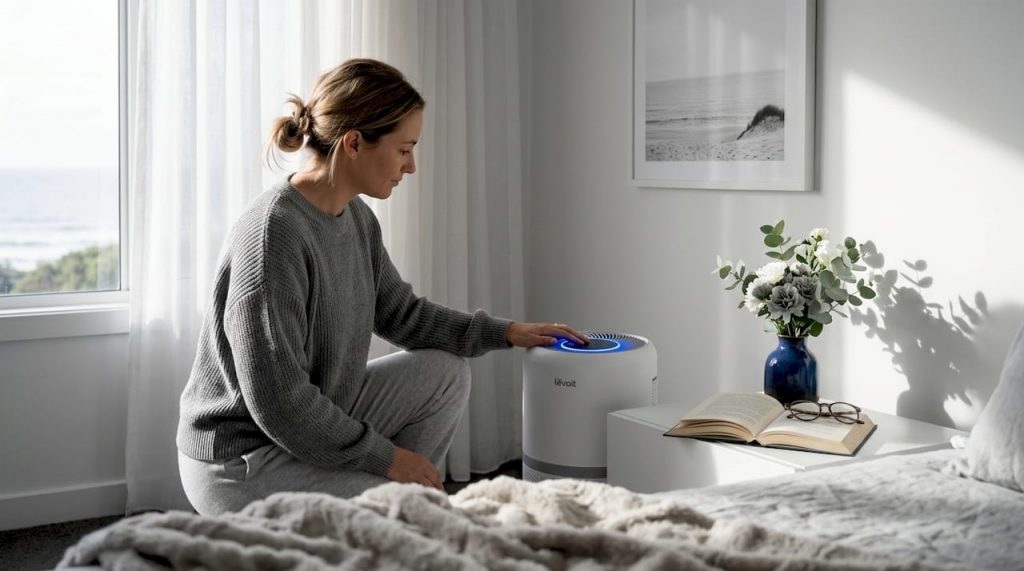
If you suffer from allergies, own pets, or simply want cleaner air in your bedroom, the levoit air purifier 300s is one of the most discussed compact purifiers on the market right now. It sits at an accessible price point, connects to your phone, and handles rooms up to about 219 square feet. But the specs alone don’t tell you whether it will actually work for your situation. This article covers everything you need to know: how it works, how to set it up correctly, when to replace the filter, and whether a different model might serve you better.
Table of Contents
- Key takeaways
- Levoit air purifier 300S: features explained
- Setting up the 300S for best results
- Maintenance and filter replacement
- How the 300S compares with alternatives
- My perspective on the 300S in real households
- Shop air purifiers in the UAE at Climatepro
- FAQ
Key takeaways
| Point | Details |
|---|---|
| H13 True HEPA filtration | Captures 99.97% of airborne particles ≥0.3 microns, including pollen, dust mites, and pet dander. |
| Smart control via VeSync app | Connects via 2.4 GHz WiFi and supports Alexa and Google Assistant for scheduling and remote control. |
| Ideal for small rooms | Best suited for bedrooms and small living spaces up to approximately 219 sq ft. |
| No built-in air quality sensor | Fan speed must be set manually or through the app rather than adjusted automatically by air quality readings. |
| Filter replacement every 6–8 months | Budget approximately $25–$35 per replacement filter to maintain full filtration performance. |
Levoit air purifier 300S: features explained
The Levoit Core 300S uses a 3-stage filtration system that combines a pre-filter, an H13 True HEPA layer, and an activated carbon filter. Each stage targets a different type of pollutant, which is what makes it effective for both allergy sufferers and pet owners.
Here is what each stage does:
- Pre-filter: Captures larger particles like hair, lint, and coarse dust. This extends the lifespan of the more delicate HEPA layer beneath it.
- H13 True HEPA filter: Captures 99.97% of particles ≥0.3 microns. That includes pollen, mould spores, dust mite debris, and pet dander. The H13 grade is a meaningful distinction. H13 True HEPA filters offer a significant allergy particle capture advantage over lower-grade “HEPA-type” filters, which are not held to the same standard.
- Activated carbon filter: Absorbs odours, smoke, and volatile organic compounds (VOCs). For households with pets or cooking smells, this layer makes a noticeable difference to daily air quality.
Performance and smart capabilities
| Specification | Value |
|---|---|
| CADR | 141 CFM (240 m³/h) |
| Room coverage | ~219 sq ft (approx. 50 m²) |
| Air changes per hour | ~5 air changes |
| Noise range | 22 dB (sleep) to 50 dB (high) |
| Max power consumption | 26W |
| Sleep mode power | ~10W |
The smart capabilities set the 300S apart from the standard Core 300. VeSync app control includes scheduling, fan speed adjustments, filter life tracking, and voice command support through both Alexa and Google Assistant. Running continuously on sleep mode consumes about 10W, which works out to roughly $2.50 per month in electricity costs. That makes 24/7 operation genuinely practical, not just theoretically possible.
One limitation worth noting upfront: the 300S does not include an air quality sensor. The auto mode relies on a light sensor rather than particle detection. You will need to set fan speeds manually or through a schedule rather than letting the unit react to real-time air quality data. This is the primary trade-off compared to slightly pricier alternatives.
Pro Tip: Use the VeSync app to schedule the purifier on high speed for 30 minutes before you enter the bedroom, then let it drop to sleep mode automatically. You get clean air without disrupting sleep, and you save energy during the day.
Setting up the 300S for best results
Getting the Core 300S running correctly takes less than ten minutes, but the placement and network setup decisions you make at the start will directly affect its effectiveness.
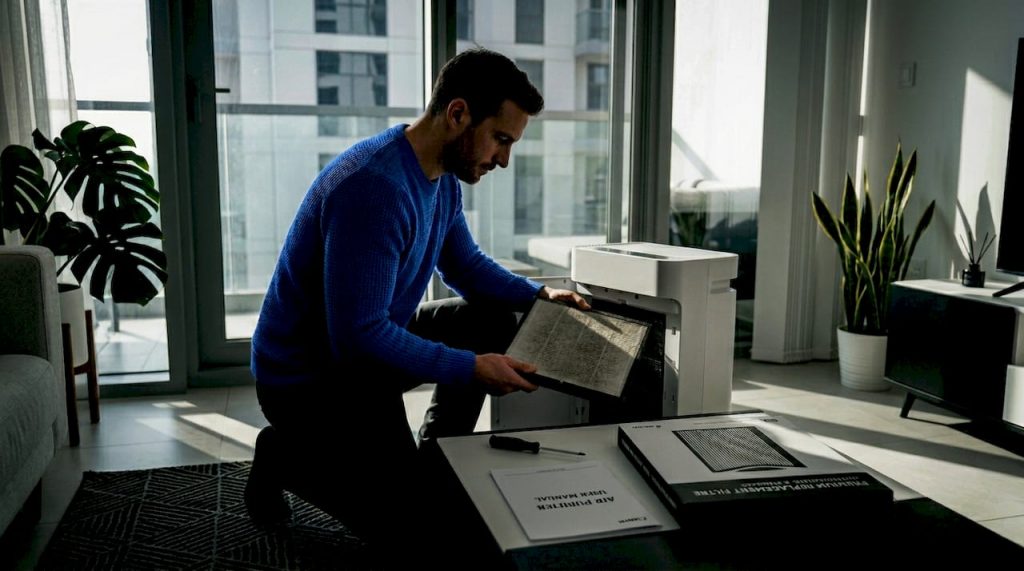
- Remove packaging from the filter. The filter ships inside the unit wrapped in plastic. Pull the plastic bag off completely before switching the purifier on. Running it with the packaging on is a common mistake that blocks airflow immediately.
- Place the unit in the right spot. Bedroom placement with doors and windows closed gives the best results for allergy relief. Keep the unit at least 30 cm away from walls and furniture on all sides to allow proper airflow. Avoid putting it in a corner.
- Connect to the VeSync app. Download the VeSync app on iOS or Android. The setup process takes under 3 minutes, but the unit only connects to a 2.4 GHz WiFi network. If your router broadcasts both 2.4 GHz and 5 GHz under the same name, you may need to separate them temporarily or connect your phone to the 2.4 GHz band first.
- Link to voice assistants. Once registered in VeSync, you can link the account directly to Amazon Alexa or Google Assistant through their respective apps. From that point, basic commands like turning the unit on, off, or changing fan speed work by voice.
- Set up a schedule. Rather than leaving it on full power all day, use the scheduling function to ramp up before peak activity times and drop to sleep mode overnight. This approach aligns with advice on smart scheduling for energy efficiency and reduces wear on the motor.
- Set the fan speed appropriately for room size. For a standard bedroom, medium speed is usually adequate for background air cleaning. Use high speed after activities that generate dust or dander, such as vacuuming or grooming a pet.
Pro Tip: If you are having trouble connecting to WiFi, check that your phone is not on a VPN during setup. VPN connections frequently block the local network discovery process the app needs to find the purifier.
Maintenance and filter replacement
Keeping the Core 300S performing at its rated capacity comes down almost entirely to filter maintenance. The filtration media degrades over time as it captures particles, and once it is saturated, airflow resistance increases and capture efficiency drops.
Key maintenance points:
- Replace the filter every 6–8 months. Replacement filters cost approximately $25–$35 per unit. In a dusty environment, near a pet, or in a high-traffic room, lean towards the 6-month mark.
- Use authentic Levoit replacement filters only. Third-party filters may cause the filter life indicator to track incorrectly and can lead to premature motor wear. The cost saving is not worth the risk to the unit.
- Reset the filter life indicator after replacement. Hold the filter reset button for 3 seconds. If you skip this step, the app will continue showing the old filter as depleted even after fitting a new one.
- Clean the exterior regularly. Wipe down the outer casing with a dry or lightly damp cloth. Do not use solvents or sprays near the unit.
- Check the pre-filter monthly. In households with shedding pets, the outer mesh pre-filter can accumulate hair quickly. A quick vacuum with a brush attachment every few weeks prevents unnecessary airflow restriction.
Troubleshooting connectivity issues
If the VeSync app loses connection to the unit, the most reliable fix is to restart both the router and the purifier, then re-add the device in the app. Persistent disconnections are usually caused by a 5 GHz/2.4 GHz band conflict at the router level, not a fault with the purifier itself. Checking your understanding of air cleaning technologies can also help you assess whether a connectivity issue is affecting filtration performance or just app visibility.
How the 300S compares with alternatives
The Core 300S occupies a specific niche. Understanding where it excels and where it falls short helps you confirm whether it is the right choice or whether a different model fits your situation better.
| Feature | Core 300S | Core 300 | Core 400S |
|---|---|---|---|
| Smart app control | Yes (VeSync) | No | Yes (VeSync) |
| Air quality sensor | No | No | Yes |
| Room coverage | ~219 sq ft | ~219 sq ft | ~403 sq ft |
| CADR | 141 CFM | 141 CFM | 200 CFM |
| Noise range | 22–50 dB | 22–50 dB | 24–52 dB |
| Approx. price | Mid | Lower | Higher (+~$40) |
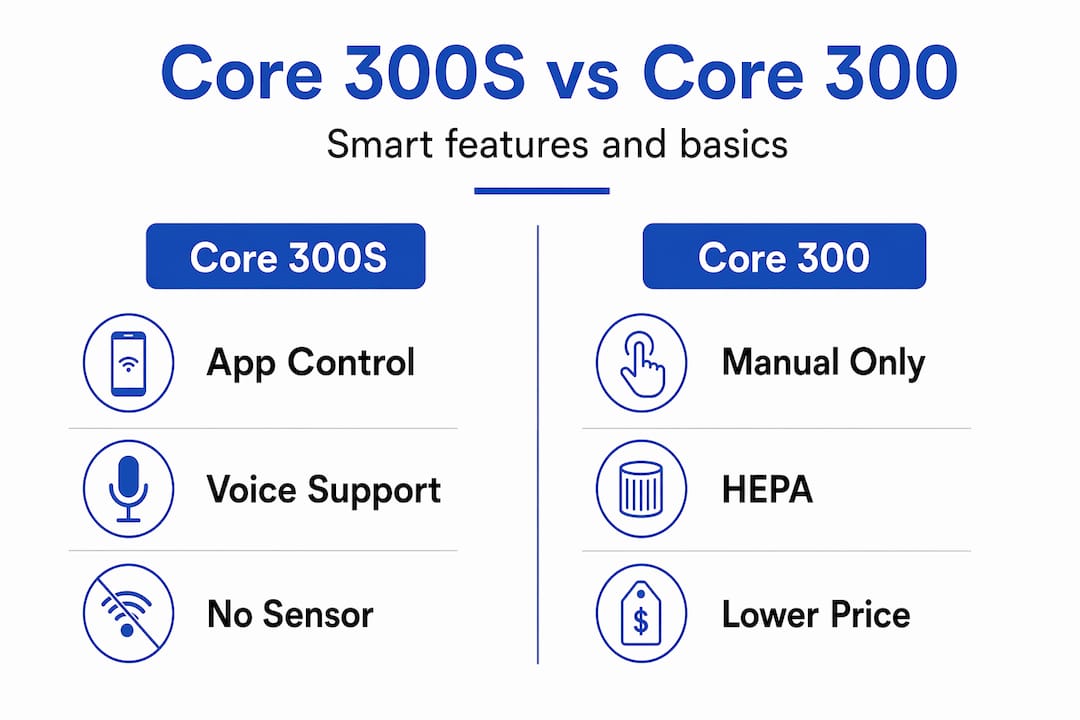
The Core 300 is the right choice if you do not use smart home features and want to spend less. The hardware filtration performance is identical.
The Core 400S is worth the additional $40 if you want an air quality sensor that automatically adjusts fan speed based on particle readings. For larger bedrooms or open-plan living areas above 219 sq ft, the 400S is the more appropriate choice on coverage alone.
The Core 300S sits in the middle. It is the best air purifier for allergies in a small bedroom where smart control and quiet operation matter, and where you are comfortable managing fan speed manually or through a schedule. It is not the right choice if you need automatic air quality response or coverage beyond its rated room size.
For those comparing within a broader field of smart purifiers, the Core 300S holds its own on price and noise level. Where other small-room purifiers sometimes compete on CADR, the 300S offsets any gap with genuinely low noise at sleep mode (22 dB) and very low running costs.
My perspective on the 300S in real households
I have seen a lot of air purifiers pass through allergy-prone and pet-heavy households, and the Core 300S consistently delivers on the things that matter most for that use case. The filtration is genuinely effective. H13 True HEPA is not a marketing claim; it is a measurable standard, and the activated carbon layer adds real utility for homes with pets or smokers.
What I find most underrated about this unit is the combination of low noise and smart scheduling. Running it on sleep mode all night at 22 dB is inaudible. Most people never notice it. Pairing that with a pre-bedroom schedule on high means you walk into a well-cleared room without ever thinking about it. That kind of set-and-forget operation is what actually keeps people using a purifier long term, rather than switching it off when it becomes inconvenient.
The filter cost reality is worth acknowledging honestly. At $25–$35 every six to eight months, the ongoing expense is modest but real. Over two years, you will spend more on filters than on the unit itself. Buying authentic replacements is non-negotiable if you want accurate filter tracking. I have seen third-party filters cause the indicator to reset prematurely, giving a false sense of security while degraded media runs in the unit.
My honest recommendation: the Core 300S is the right choice for a single bedroom, a nursery, or a small home office. For anything larger than 219 sq ft, or for households that want automatic air quality response, look at the Core 400S or a step up in coverage. The Levoit Core 300S guide on cleaner indoor air at Climatepro offers additional detail if you want to go deeper on specific scenarios.
— Nevel
Shop air purifiers in the UAE at Climatepro
For residents across Dubai, Abu Dhabi, and the wider UAE, Climatepro carries a curated selection of air purifiers suited to everything from small bedrooms to large commercial spaces.

Whether you are looking for the Levoit Core 300S, a model with automatic air quality sensing, or a higher-capacity unit for a larger room, the full air purifier range at Climatepro covers options at multiple price points. Replacement filters for Levoit models are also available, so you can keep your unit running at full performance without sourcing parts separately. Delivery is available across all seven emirates, with straightforward ordering and reliable stock. If you are weighing up options between smart purifiers and standard models, Climatepro’s product pages include detailed specifications to help you compare before purchasing.
FAQ
What does the Levoit Core 300S filter remove?
The Core 300S captures 99.97% of airborne particles ≥0.3 microns using H13 True HEPA filtration, including pollen, pet dander, dust mite debris, and mould spores. The activated carbon layer also absorbs odours, smoke, and VOCs.
How often should I replace the Levoit air purifier filter?
Replacement is recommended every 6–8 months depending on usage and air quality conditions. Authentic Levoit replacement filters cost approximately $25–$35, and using third-party alternatives can cause the filter life indicator to track incorrectly.
Does the 300S work with Alexa and Google Assistant?
Yes. The Levoit Core 300S connects to both Alexa and Google Assistant through the VeSync app. The unit requires a 2.4 GHz WiFi network for initial setup, and the app also supports scheduling and remote fan speed control.
Is the Levoit Core 300S good for a bedroom?
The Core 300S is rated for approximately 219 sq ft with around five air changes per hour, and its sleep mode operates at just 22 dB. Experts recommend running air purifiers continuously in bedrooms with doors and windows closed for the best allergy relief outcomes.
What is the difference between the Core 300 and the Core 300S?
The Core 300S adds smart control through the VeSync app, including Alexa and Google Assistant compatibility, scheduling, and remote fan speed adjustment. The underlying filtration hardware and room coverage are identical to the standard Core 300.
Recommended
- Levoit 300 S Air Purifier: Full Review & Buying Guide — Blog | ClimatePro UAE
- Buy Levoit Core 300 Air Purifier in Dubai | Best Price AED 319 | ClimatePro UAE
- Levoit Vital 200S Review: Smart Air Purifier Guide — Blog | ClimatePro UAE
- Buy Levoit PlasmaPro Core 300S Smart Air Purifier in Dubai | Best Price AED 475 | ClimatePro UAE