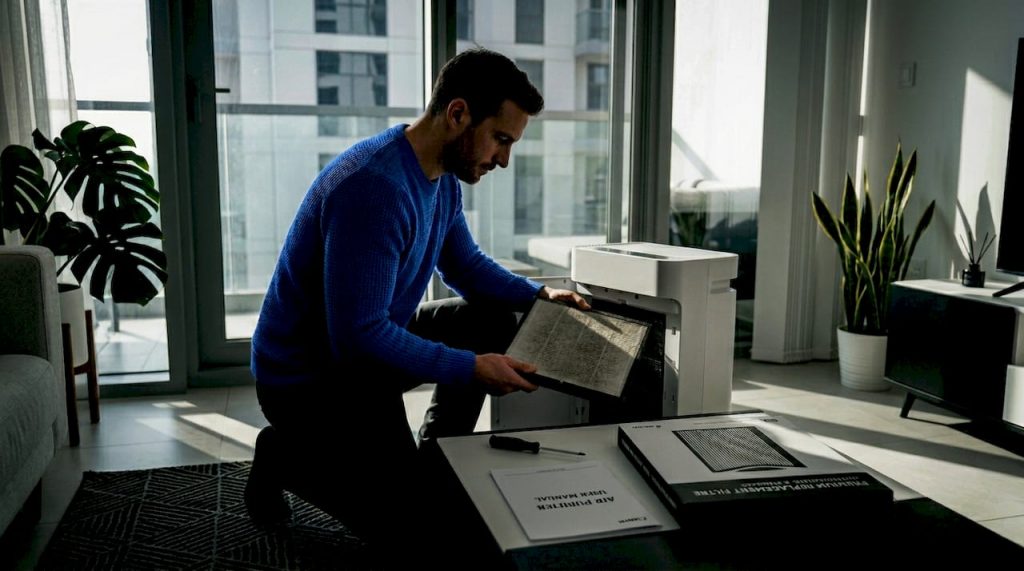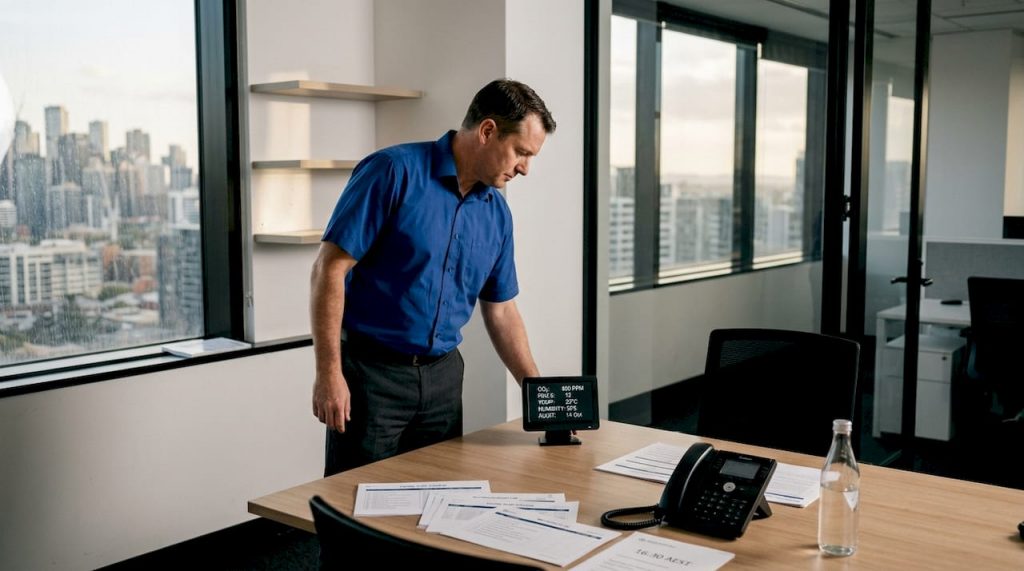
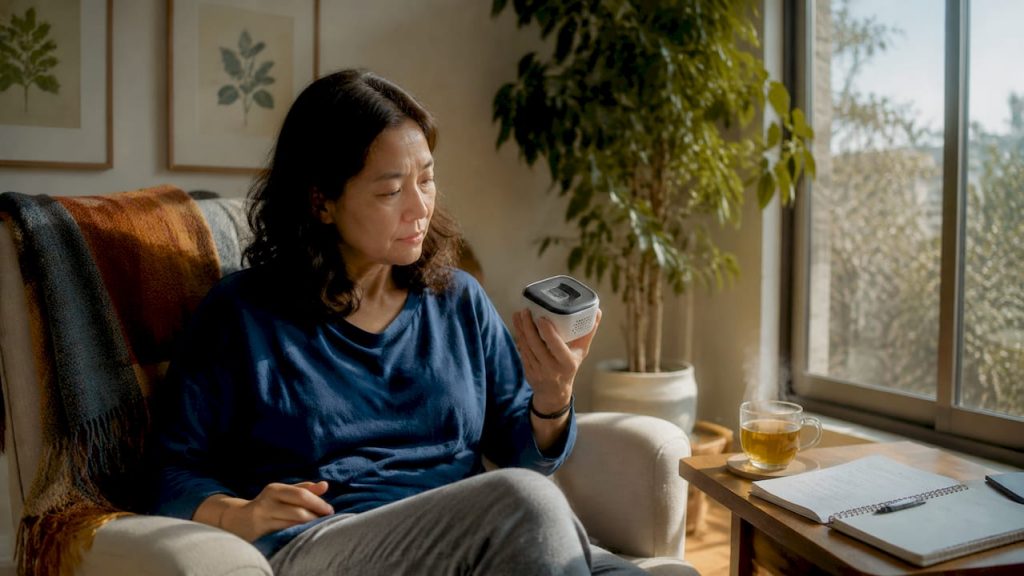
An air monitor is a device that measures pollutants and conditions in your indoor environment, giving you the data to make real decisions about your family’s health. The industry term is an indoor air quality (IAQ) monitor, and knowing how to use an air monitor correctly is what separates useful data from noise. Most monitors measure PM2.5 (fine particles), CO2, and VOCs (volatile organic compounds). Devices using NDIR CO2 sensors and laser PM2.5 detection deliver the most reliable readings. Paired with an air purifier or a ventilation strategy, a good monitor becomes a practical tool for managing the air you breathe every day.
How to use an air monitor: placement and setup
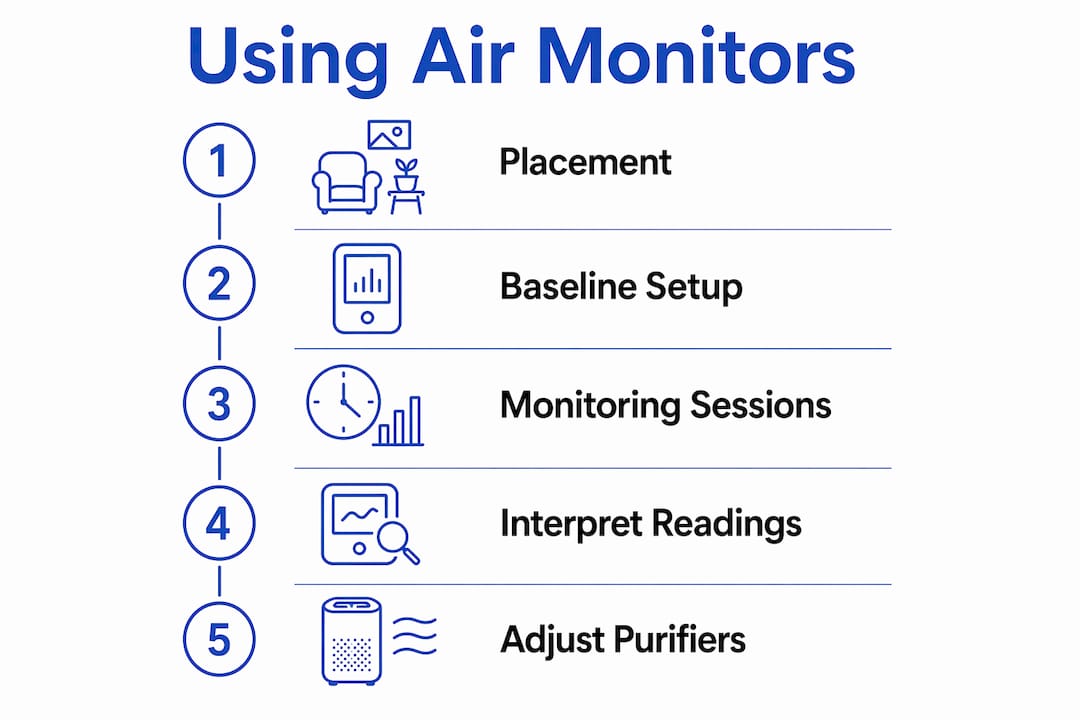
Correct placement is the single most important step in getting accurate readings. A monitor placed in the wrong spot will give you data that does not reflect the air you actually breathe.
Follow these placement rules from the start:
- Height: Place the monitor at breathing height, between 3 and 6 feet above the floor. This matches where you and your family actually inhale air throughout the day.
- Distance from walls: Keep the monitor at least 4 to 12 inches from walls and furniture. Surfaces trap stale air and create pockets that skew readings upward or downward.
- Away from vents and windows: Direct airflow from HVAC vents, open windows, or fans pushes localised air across the sensor. That air is not representative of the room as a whole.
- Away from heat and sunlight: Direct sunlight and heat sources affect temperature and humidity sensors, which in turn affect particle and gas readings.
- Room priority: Start with the bedroom, since you spend 6 to 8 hours there at rest. The living area and kitchen are the next priorities, especially if you cook frequently.
Once placed, establish a baseline by running the monitor for 24 to 48 hours with all air purifiers switched off. This reveals your home’s natural pollutant levels before any filtration. Without a baseline, you cannot tell whether a reading is normal for your space or a genuine problem.
Pro Tip: Run two monitoring sessions: one with no purifiers or ventilation active to capture background levels, and one during normal daily activity. Comparing the two shows exactly how much your habits and appliances affect your air.
How to interpret air monitor readings
Understanding what the numbers mean is where most people get stuck. Each pollutant tells a different story, and each requires a different response.
-
PM2.5 (fine particles): These are particles smaller than 2.5 micrometres. They penetrate deep into the lungs and are linked to respiratory and cardiovascular issues. Readings below 12 µg/m³ are considered good. Readings above 35 µg/m³ indicate a problem that warrants running an air purifier or identifying the source.
-
CO2: CO2 is a direct indicator of ventilation quality, not a pollutant that purifiers remove. CO2 levels between 500 and 1,200 ppm indicate good indoor ventilation. Persistent readings above 1,200 to 1,500 ppm signal that fresh air exchange is insufficient. Open a window or run a mechanical ventilation system to bring levels down.
-
VOCs (volatile organic compounds): VOCs come from cleaning products, paints, adhesives, and synthetic furnishings. Most monitors report VOCs as a combined index rather than individual compounds. A rising VOC reading after cleaning or painting tells you to ventilate the space immediately.
-
Temporary spikes vs. patterns: Cooking, vacuuming, and burning candles all cause short spikes. A single spike is not a crisis. Avoid reacting to every spike and instead look for patterns over days and weeks. Persistent elevated readings, not one-off events, are what require a change in behaviour or equipment.
-
Trend reading: Air monitors work best as relative trend tools rather than absolute lab instruments. Use the data to identify which activities, times of day, or rooms consistently produce the worst air quality.
Pro Tip: If your CO2 is high but your PM2.5 is low, your purifier is not the solution. Open a window or install a ventilation fan. CO2 monitoring is the clearest signal that fresh air exchange is the problem, not particle filtration.
Using your air monitor with purifiers and ventilation
Pairing an air monitor with an air purifier is where the real benefit of monitoring shows up. The monitor tells you whether your purifier is actually working, and where it needs help.
Positioning the monitor relative to the purifier
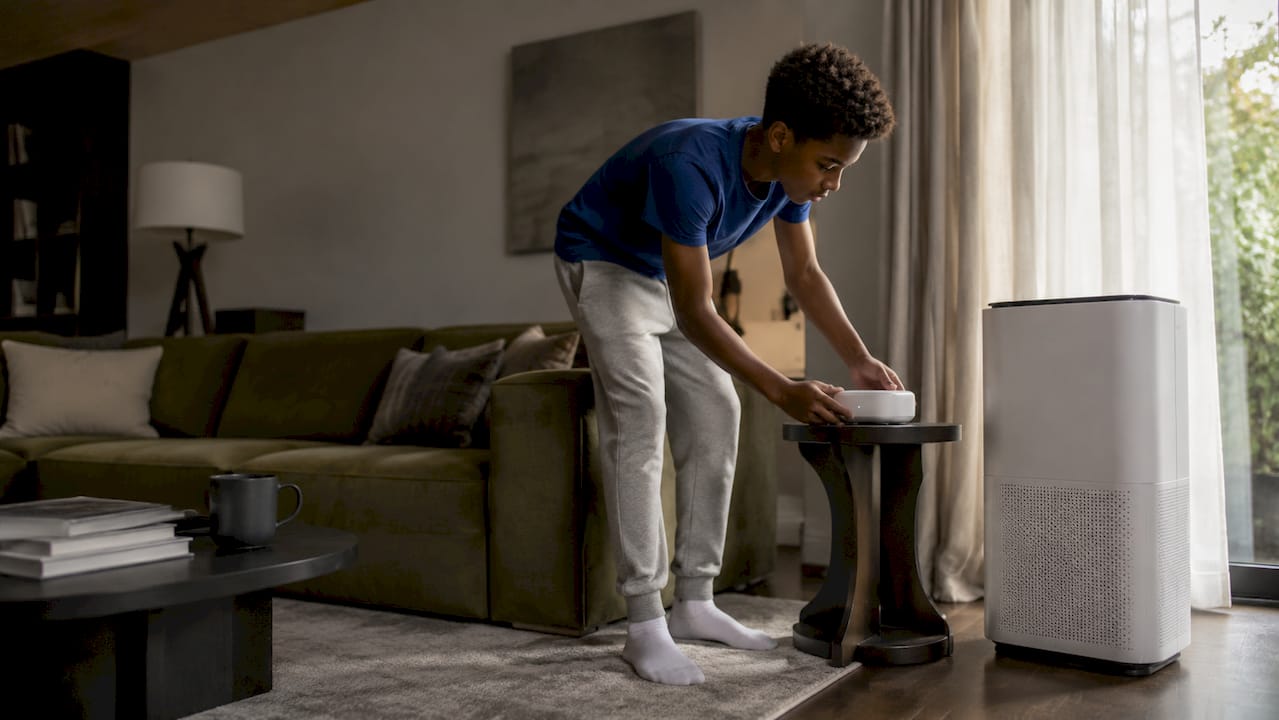
Place the monitor on the opposite side of the room from your air purifier. A monitor placed directly next to a running purifier reads the cleaned output air, not the air in the middle of the room where you sit, sleep, and breathe. That placement produces artificially low readings and gives a false sense of security.
Verifying purifier performance
A functioning HEPA purifier should reduce PM2.5 within 15 to 20 minutes of being switched on. Within 30 to 60 minutes in a closed room, readings should drop to between 1 and 3 µg/m³. If your monitor shows no meaningful drop after 20 minutes, check the filter condition, room size, and fan speed setting.
What purifiers handle vs. what ventilation handles
| Pollutant | Air purifier effective? | Ventilation effective? |
|---|---|---|
| PM2.5 (fine particles) | Yes | Partially (depends on outdoor air) |
| VOCs | Yes (with activated carbon filter) | Yes |
| CO2 | No | Yes |
| Dust and allergens | Yes | Partially |
| Odours | Yes (with activated carbon filter) | Yes |
CO2 is the clearest example of a pollutant that requires ventilation, not filtration. Running a purifier on full speed will not lower CO2. Only fresh air exchange does that.
Responding to real-world scenarios
- Cooking: PM2.5 and VOCs spike sharply. Run the purifier on high and open a window or activate the range hood.
- Gatherings: CO2 rises quickly with more people in the room. Open windows or a door to bring in fresh air.
- Cleaning: VOCs and PM2.5 both rise depending on products used. Ventilate during and after cleaning. Check whether your vacuum aerosolises dust by monitoring PM2.5 while vacuuming.
For a practical workflow on balancing filtration and ventilation, the energy-efficient air cleaning guide from Climatepro covers how to run purifiers at the right times to save energy without sacrificing air quality.
Common mistakes and maintenance tips for air monitors
Most monitoring errors come from setup habits, not device quality. Fixing these mistakes costs nothing and immediately improves the reliability of your data.
- Placing the monitor too close to the purifier: This is the most common error. The monitor reads cleaned air, not room air. Move it to the opposite side of the room.
- Reacting to every spike: A PM2.5 spike during cooking is normal. Treat spikes as data points, not emergencies. Look for sustained elevated readings instead.
- Skipping the baseline: Without a 24 to 48 hour baseline reading with purifiers off, you have no reference point for what is normal in your home.
- Neglecting sensor maintenance: Regular cleaning of dust buildup on the sensor inlet prevents sensor drift. A dirty sensor underreports particle levels over time, giving you a false picture of clean air.
- Ignoring firmware updates: Many monitors connect to an app and receive calibration updates. Keeping the firmware current maintains measurement accuracy.
- Not testing specific activities: Run the monitor during vacuuming, cooking, and cleaning separately to identify which activities produce the worst air quality in your home.
Pro Tip: Perform a cleanup test by vacuuming the same area twice: once with a standard vacuum and once with a HEPA-filtered vacuum. If PM2.5 spikes with the standard vacuum but not the HEPA model, your vacuuming is a significant dust source. That single test can change how you clean your home.
Key takeaways
Using an air monitor correctly requires proper placement, a baseline measurement period, and a clear understanding of which pollutants require filtration versus ventilation.
| Point | Details |
|---|---|
| Placement determines accuracy | Position the monitor at breathing height, 3–6 feet up, and away from vents, walls, and purifiers. |
| Baseline is non-negotiable | Run the monitor for 24–48 hours with purifiers off to establish normal pollutant levels. |
| CO2 signals ventilation need | Levels above 1,200 ppm require fresh air exchange, not a purifier on a higher setting. |
| Purifier performance is verifiable | PM2.5 should drop within 15–20 minutes of running a HEPA purifier in a closed room. |
| Patterns matter more than spikes | Use weekly trend data to guide changes, not single readings from cooking or cleaning events. |
What I’ve learned from watching people use air monitors wrong
Most people buy an air monitor, place it on the kitchen bench next to the purifier, and conclude their air is excellent. The monitor reads 3 µg/m³ because it is sitting in the purifier’s clean air exhaust. The actual room air could be three times worse. That single placement mistake is responsible for more misplaced confidence in home air quality than any other factor I have seen.
The second mistake is treating the monitor as a pass/fail device. People see a red reading during dinner and panic. They see green at midnight and relax. Neither reaction is useful. The value of a monitor is in the week-long picture: which rooms are consistently worse, which activities reliably spike PM2.5, and whether CO2 climbs every evening when the family is home. That pattern data is what drives real change.
The monitors that genuinely improve home air quality are the ones used as diagnostic tools, not reassurance devices. Once you understand what your home’s air normally looks like, you can make targeted decisions: run the purifier during cooking, open the bedroom window for an hour before sleep, or replace a cleaning product that spikes VOCs every time you use it. That level of specificity is what separates a useful monitoring setup from an expensive gadget collecting dust on a shelf.
For a broader look at how air monitors fit into a complete home air quality strategy, the UAE homeowner air quality guide from Climatepro is worth reading alongside this article.
— Nevel
Pair your monitor with the right air purifier

An air monitor tells you what is in your air. An air purifier does something about it. Climatepro stocks the Honeywell Air Touch range, including the Air Touch P2 (AED 705), the Air Touch P1 (AED 591), and the Air Touch U1 (AED 935), all available with delivery across Dubai, Abu Dhabi, Sharjah, and the wider UAE. Each model is sized for different room areas, so check the specifications against your room dimensions before purchasing. Pairing a correctly sized purifier with a well-placed monitor gives you both the data and the means to act on it. Climatepro also offers warranty support and reliable after-sales service across all Emirates.
FAQ
What height should I place an air quality monitor?
Place the monitor between 3 and 6 feet above the floor. This matches typical breathing height for adults and children moving around the room.
Can an air purifier lower CO2 levels?
No. Air purifiers do not remove CO2. Persistent CO2 above 1,200 ppm requires fresh air exchange through open windows or a mechanical ventilation system.
How do I know if my air purifier is working?
A functioning HEPA purifier should reduce PM2.5 readings within 15 to 20 minutes. If levels do not drop after 20 minutes, check the filter condition and confirm the purifier is sized correctly for the room.
How often should I clean my air monitor sensor?
Clean the sensor inlet regularly to prevent dust buildup. Neglected sensors develop drift over time and underreport particle levels, producing inaccurate readings.
Should I react every time my monitor shows a spike?
No. Short spikes from cooking, cleaning, or candles are normal. Focus on sustained elevated readings over days or weeks, as these indicate a genuine air quality problem that warrants a change in habits or equipment.